Features Workgroups Who it's for Our Story Pricing FAQ Blog Download
For neurodivergent creatives

You're not scattered.Your screen is.

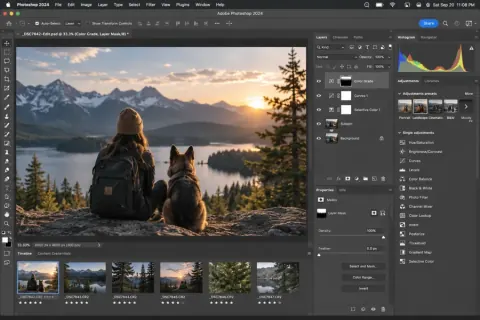
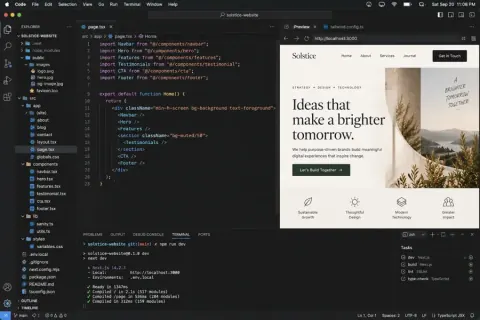
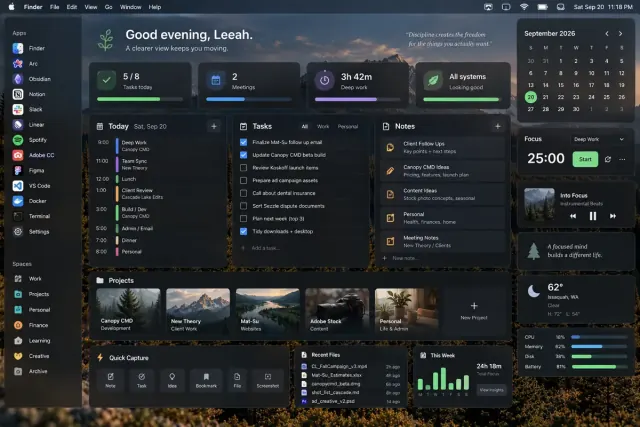
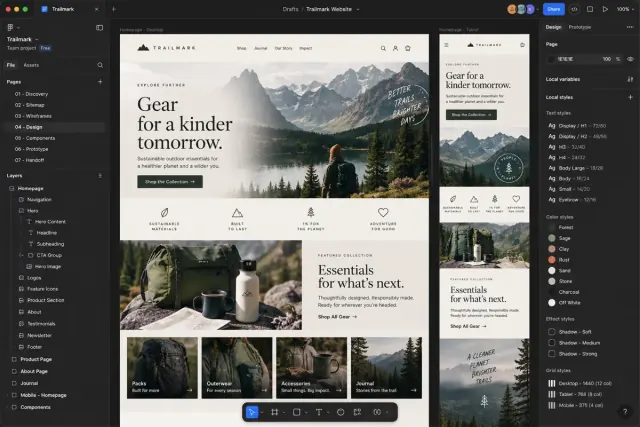
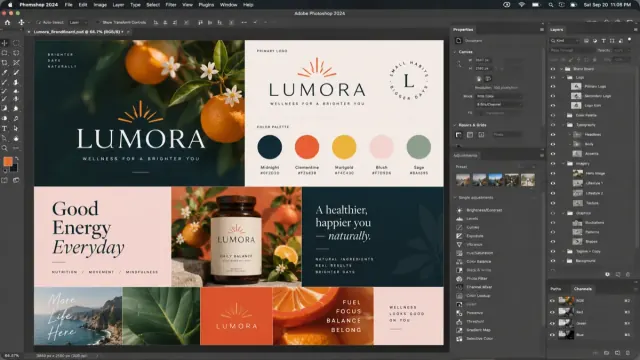
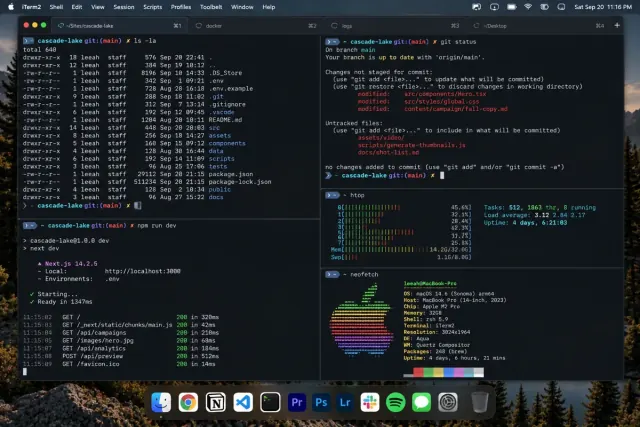
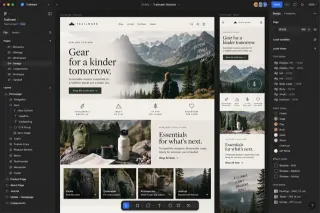
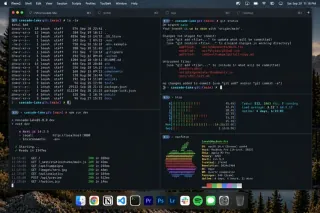
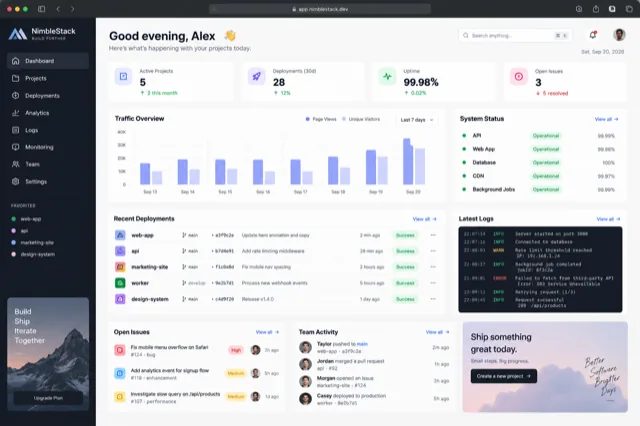
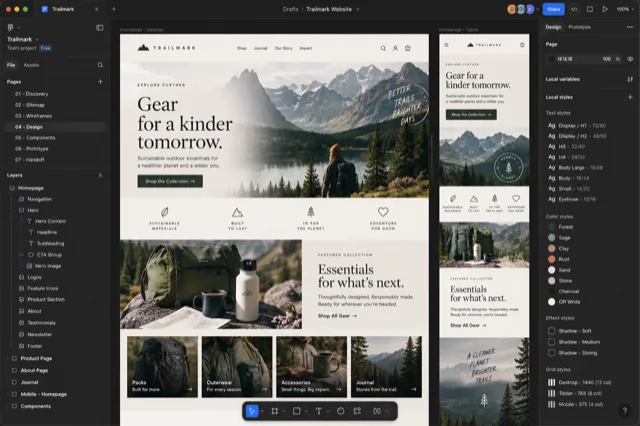
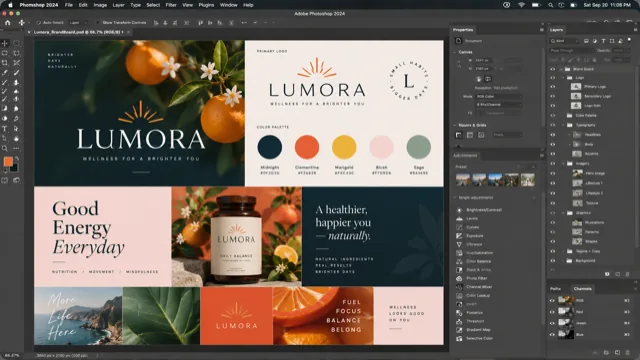
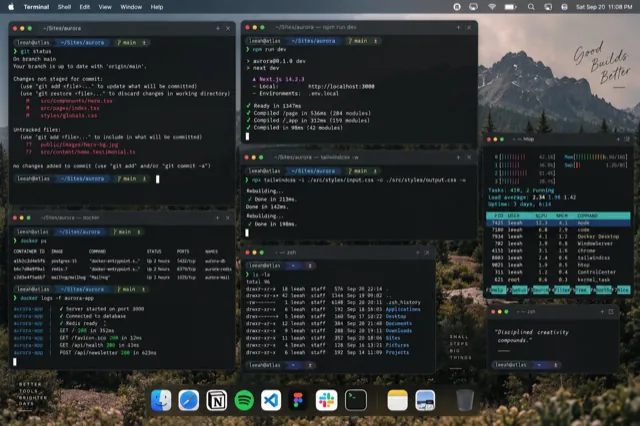
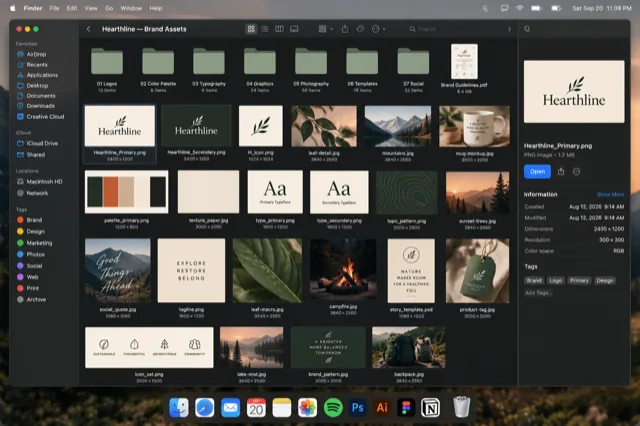
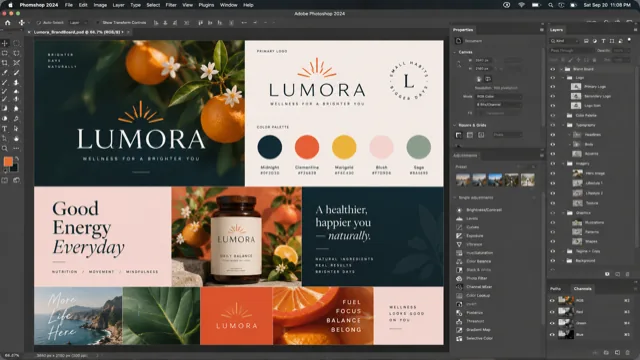
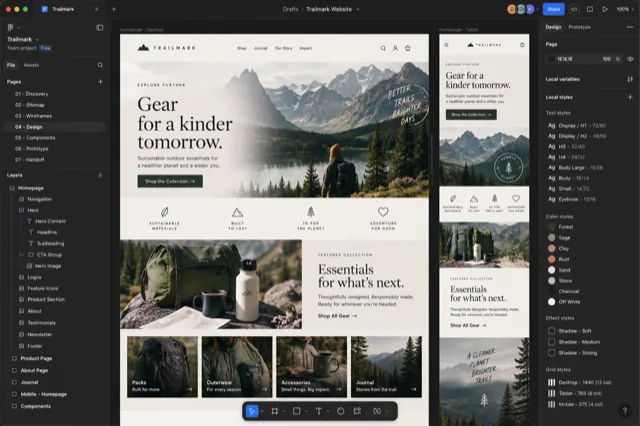
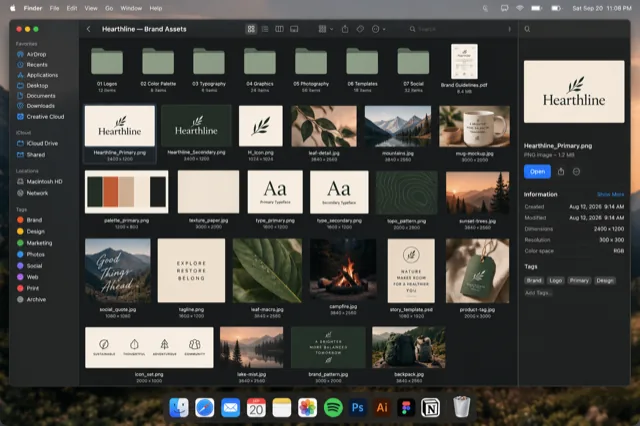
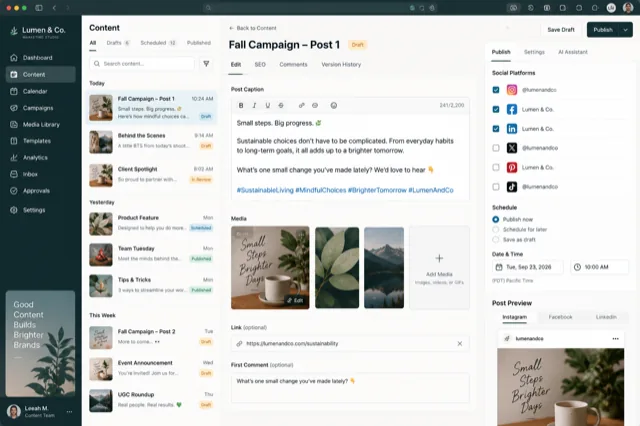
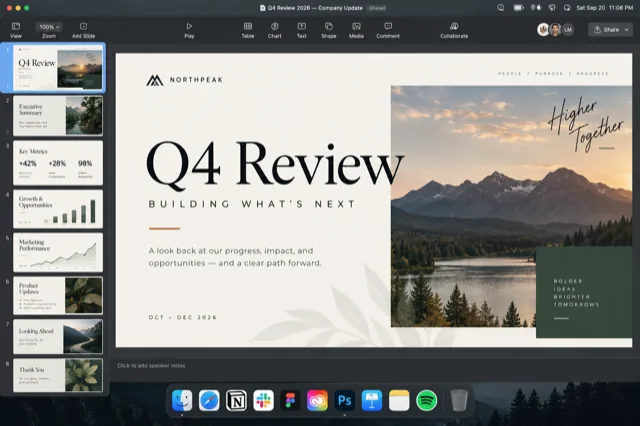
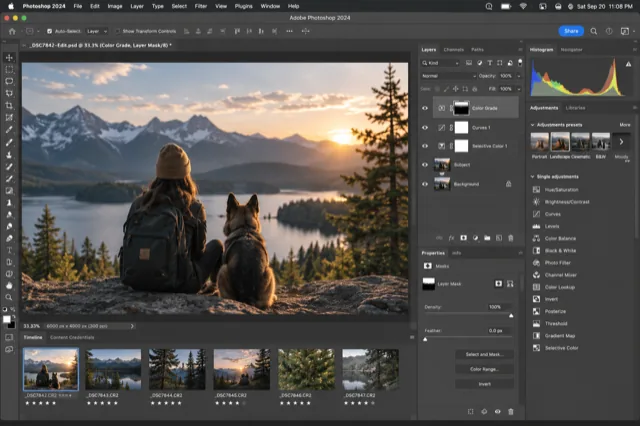
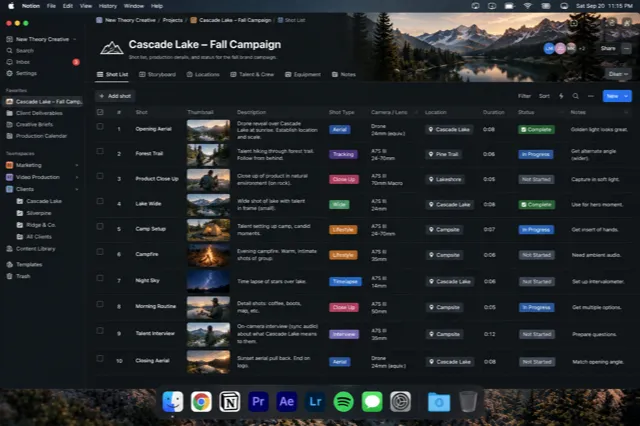
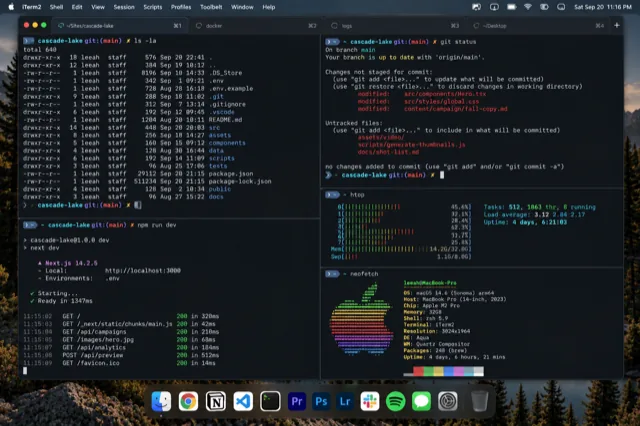
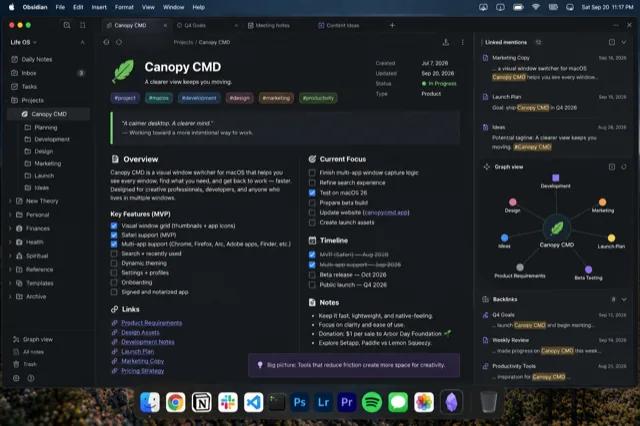
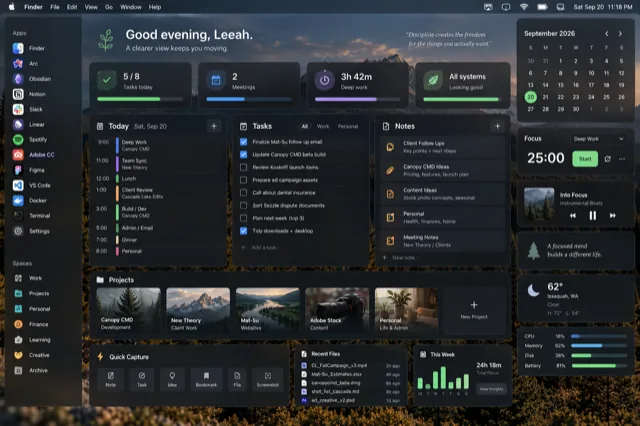
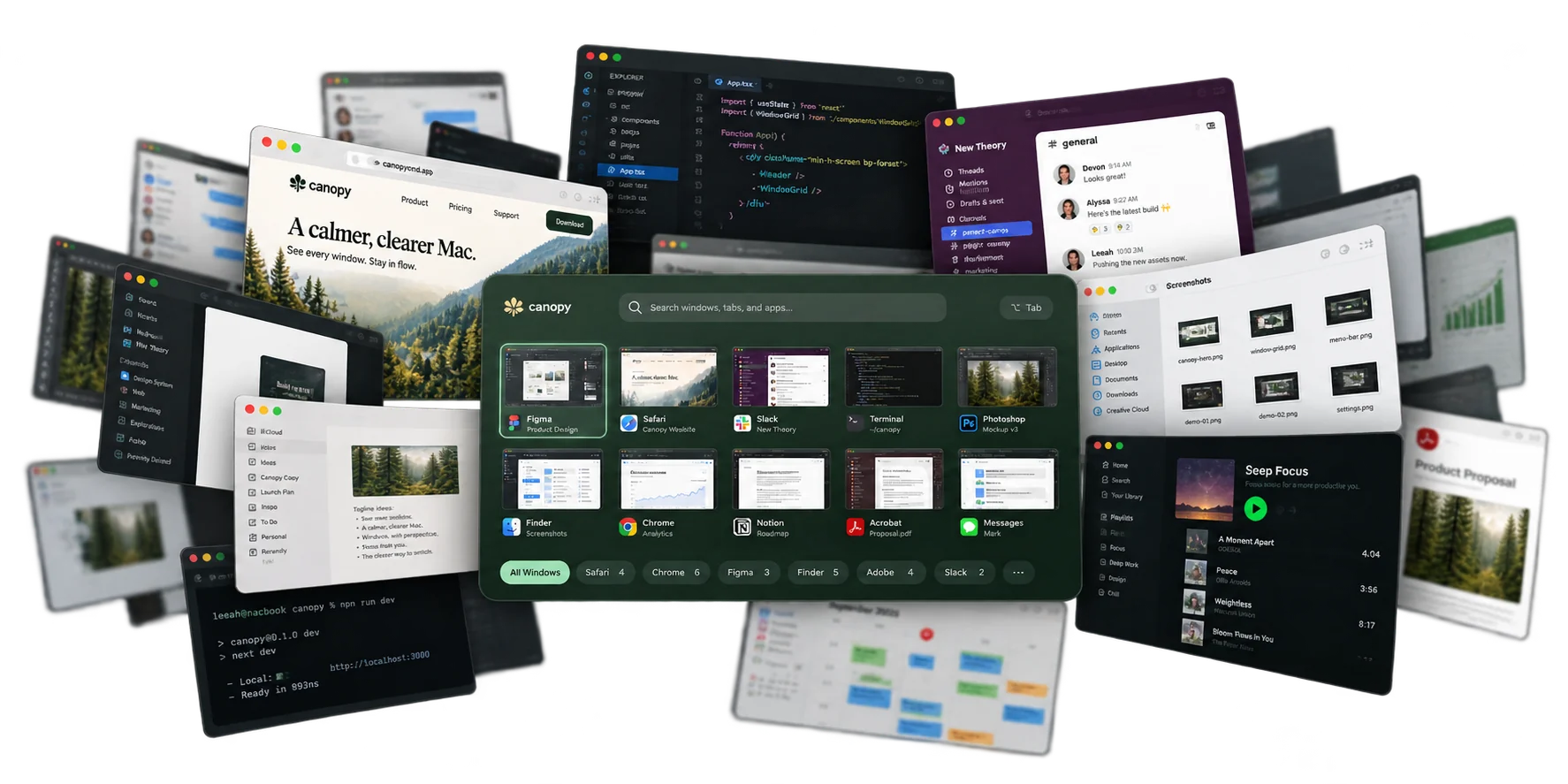
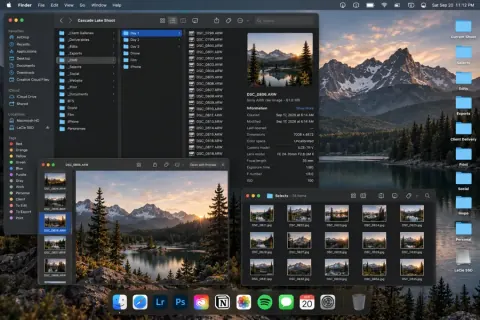
You've got Figma, four browser windows, Photoshop, and three half-finished ideas open right now. ⌘Tab only cycles apps, not the window you actually need. Canopy shows every window as a picture, so you recognize it on sight and jump straight there. No hunting, no lost thread.

Works with your favorite apps
Safari Chrome Firefox Finder Photoshop Illustrator Acrobat Terminal VS Code +more
Hold ⌘ ` or ⌥ Tab from anywhere. Release to switch.
The problem

That's not a focus problem. It's a tools problem.

⌘Tab shows apps, not windows. Every browser window collapses into one icon, every PSD hides as a tab, everything blurs together, so you tab, tab, tab, lose your place, and forget what you opened it for. Canopy gives every window its own face, so finding it takes recognition, not memory.

What it does

Recognition, not recall.

Live visual previews

Every window is a real snapshot, even the minimized ones macOS won't show you.

Just your apps

Each app is grouped and labeled, so you find the right window without hunting.

Tabs become windows

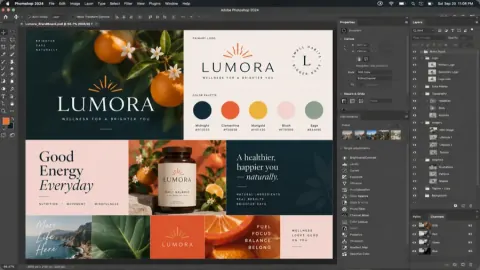
Adobe hides documents as tabs. Canopy gives each one its own card. No more guessing.

The signature shortcut

One press brings everything into view. Cycle through windows visually, scoped to your current app or across everything.

Type to find

Start typing to filter by title, app, URL, or profile. Find what you need in seconds.

Profile aware

Colored badges show your Safari profiles, so Work and Personal stay instantly distinct.

Workgroups

Name the windows that belong to one piece of work and switch to them as a unit, from the switcher, the menu bar, or a shortcut.

Bring it back

Closed members show as "Restore." One key reopens a window at its page or file; another reopens the whole group.

Noticed by Canopy

Windows you keep switching between can become a suggested group. Nothing is saved until you say yes, and it all stays on your Mac.

Workgroups

Windows that travel together.

Name the windows that belong to one piece of work: a client, a project, a mood. Then treat them as one.

Focus on one thing

Pick a group and only its windows show. Let go of Option and the whole group comes forward, or keep cycling to land on one window. Hide every other app while you're in it, if you like.

Bring it back

Closed members show as "Restore." Press ↩ to reopen one, or ⌘ ↩ to reopen all of them: browser windows at their page, folders, documents, and the apps that aren't running yet.

Make them your way

Right-click any card to add it to a group, or start a new one from whatever is on screen. Canopy can also notice windows you keep switching between and suggest a group. Nothing is saved until you say yes.

Groups survive closing and reopening windows. Included with every paid license; Safari and Finder windows can be grouped on the free tier too. Canopy never moves or creates macOS Spaces. How workgroups work as a workspace →

Who it's for

Are you a…

Designers

Keep the idea in sight.

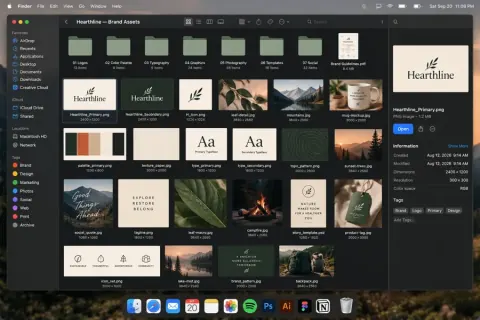
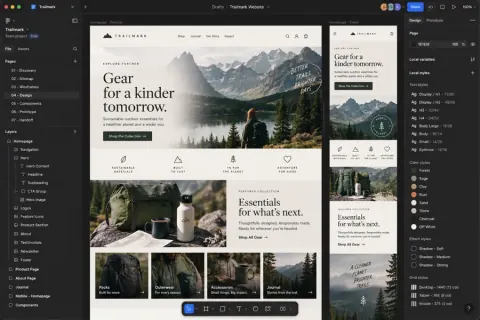
Your canvas is only part of the process. References live in browsers. Assets live in Finder. Feedback is somewhere else entirely.

Canopy brings those windows into one visual view, so finding the piece you need doesn't interrupt the thing you're creating.

Perfect for
PhotoshopIllustratorInDesignFigmaFinderSafariChrome
See your canvas
Spot your reference
Stay with the idea
Every Adobe document, its own card →
The idea

Crown shyness,
for your windows.

In some forests, neighboring trees grow almost together, but never touch. Thin channels of sky separate each crown, so every tree stays distinct. Botanists call it crown shyness.

Your browser windows deserve the same courtesy. Canopy CMD gives each one space to be seen.

Privacy

Your work stays
on your Mac.

No sign-in required
No tracking
No analytics
No cloud
No third-party code
No screen access needed
Room for everything

However many tabs your brain has open.

Every window from every project you're juggling, laid out by app, filtered with one key. Pick up any thread without losing the others.

Grouped by app

See all your windows, organized the way you think.

Search anything

Find by title, URL, file, or project in seconds.

See before you switch

Real previews. No more guessing or Command+Tab roulette.

The roster

Every app your brain jumps between.

Browsers, the Adobe suite, Figma, your notes, Mail, Preview, code editors, Terminal, and Finder: the whole scattered constellation, curated into one calm place. And the roster keeps growing.

SafariChromeEEdgeBBraveAArcFirefoxFinderTerminal
PhotoshopIllustratorInDesignAcrobatPagesNumbersKeynote
PreviewMailWWordEExcelPPowerPointVS CodeFigmaXcodeCursorObsidianSketchAffinityTextEditFFinal Cut ProPrPremiere ProRDaVinci ResolveAeAfter Effects+Add any app · coming soon! 🎉

Full page-level detail for browsers, per-document cards for Adobe, previews and titles for everything else. Fine print in the FAQ.

Coming from another switcher? See how Canopy compares to AltTab, Contexts, plain ⌘Tab and Mission Control, or see them all side by side.

Be part of what grows next

Join the beta.

Get early access, shape the roadmap, and help us plant trees.

Beta Access

$0through December 31
Full access, no card, no catch
  • Every app in the roster
  • Early access to new features
  • Help shape the roadmap
  • Founding pricing, available now
Download Beta
Most popular

Single Mac

$9.99founding price
Then $19.99 · pay once, a year of updates
  • Every app in the roster
  • Workgroups: windows that travel together
  • Lifetime updates for founders
  • 14-day full trial first
Lock in the founding price

Three Macs

$14.99founding price
Then $29.99 · pay once, a year of updates
  • Everything in Single Mac
  • Use on up to 3 machines
  • Manage seats anytime
  • $1 plants a tree
Lock in the founding price

Every purchase plants a tree.

$1 from every sale, donated to One Tree Planted.

Learn more →

Launching January 1, 2027. Beta testers can lock in founding pricing now; paid tiers open to everyone at launch. Free tier (Safari and Finder) stays free forever. Pay once and the app is yours for good. Licenses bought at launch include a year of updates; after that, renew for $14.99 a year (or $19.99 for three Macs) whenever you want what's new, or keep the version you have. Founding buyers get lifetime updates.

Rooted in giving

Every purchase plants a tree.

An app about giving your windows room to breathe should help real forests do the same.

$1 from every sale, planted.

Donated quarterly. No upsell, no opt-in, just built into the price. The canopy grows a little every time someone finds their window.

In support of the One Tree Planted initiative 🌱
FAQ

Questions, answered.

When can I buy it?

Canopy CMD launches January 1, 2027. Until then the beta is free through December 31, with full access. Beta testers can lock in the founding price now: $9.99 for one Mac or $14.99 for three, with lifetime updates. Launch week is $14.99 and $24.99, then $19.99 and $29.99, each with a 14-day trial and a year of updates included.

Is it a subscription?

No. You pay once and the app is yours; it never stops working. Your purchase includes every update for a year. After that, renew for $14.99 a year, or $19.99 for three Macs, whenever you want what's new, or keep using the version you have. Founding buyers never need to renew: lifetime updates are the thank-you for backing the beta.

What if I can't afford it?

Then there's room under the canopy for you. Pay what you can, or ask for a free license. No proof needed, and your request stays between us. The free tier also covers Safari and Finder forever.

What does it need to run?

macOS 14 (Sonoma) or later, on Apple Silicon or Intel. It's a tiny menu bar app. It needs one permission, Accessibility, to list and focus your windows. Screen Recording (for live previews) and a per-browser Automation permission (for tab titles and URLs) are both optional: skip them and Canopy shows clean labeled tiles instead, never seeing your screen. The setup assistant walks you through it.

Does Canopy record my screen?

No. Canopy never records or streams anything. To draw the little window previews it takes an occasional still snapshot of your own app windows, kept only on your Mac and never uploaded. And it's optional: decline Screen Recording and Canopy runs perfectly with labeled tiles, no screen access at all.

Which apps does it support?

Browsers: Safari, Chrome, Edge, Brave, Vivaldi, Opera, and Arc get the full experience with URLs, domains, and tab counts; Firefox shows previews and titles. Creative: Photoshop, Illustrator, InDesign, and Acrobat, with every document as its own card, tabs included. Video: Final Cut Pro, Premiere Pro, DaVinci Resolve, and After Effects, one card per window with a live preview. Plus Terminal, Finder (with folder paths), and iWork. Every app has its own toggle in Settings, and the list keeps growing. Details for Safari, Chrome and the Adobe suite.

Are workgroups the same as macOS Spaces?

No. A workgroup is a named set of windows that belong to one piece of work, and Canopy shows, raises, and reopens them as a unit. It never moves or creates macOS Spaces. It can notice which windows share a Space, but only to suggest a group, and nothing is saved unless you say yes. More on workgroups as a workspace.

How is this different from AltTab or Contexts?

AltTab and Contexts are excellent general switchers that show every window of every app. Canopy goes deeper on the pro apps you live in: page URLs, folder paths, Safari profiles, and Adobe documents generic switchers can't even see as separate windows. They coexist happily. Canopy doesn't touch ⌘Tab. Side by side: Canopy and AltTab, Canopy and Contexts, and what plain ⌘Tab and Mission Control leave out. Or compare all four at once.

Why isn't it on the Mac App Store?

The App Store sandbox forbids the system APIs any real window switcher needs (the same reason AltTab, Contexts, and Bartender are sold directly). Canopy CMD is signed with a Developer ID and notarized by Apple, so it opens with a normal double-click.

Does it slow my apps down?

No. Canopy is idle until you press the shortcut. No background polling, nothing injected into your apps, no content read. Previews refresh when the switcher opens.

See everything. Keep your thread.

Download Get notified at launch
Launching January 1 · free beta through December 31
Canopy CMD

Be first under the canopy.

One email, the day Canopy CMD launches, with launch-week pricing.

🌳

You're on the list.

One email at launch. That's it. See you there.