When can I buy it?
Canopy CMD launches January 1, 2027. Until then the beta is free through December 31, with full access. Beta testers can lock in the founding price now: $9.99 for one Mac or $14.99 for three, with lifetime updates. Launch week is $14.99 and $24.99, then $19.99 and $29.99, each with a 14-day trial and a year of updates included.
Is it a subscription?
No. You pay once and the app is yours; it never stops working. Your purchase includes every update for a year. After that, renew for $14.99 a year, or $19.99 for three Macs, whenever you want what's new, or keep using the version you have. Founding buyers never need to renew: lifetime updates are the thank-you for backing the beta.
What if I can't afford it?
Then there's room under the canopy for you. Pay what you can, or ask for a free license. No proof needed, and your request stays between us. The free tier also covers Safari and Finder forever.
What does it need to run?
macOS 14 (Sonoma) or later, on Apple Silicon or Intel. It's a tiny menu bar app. It needs one permission, Accessibility, to list and focus your windows. Screen Recording (for live previews) and a per-browser Automation permission (for tab titles and URLs) are both optional: skip them and Canopy shows clean labeled tiles instead, never seeing your screen. The setup assistant walks you through it.
Does Canopy record my screen?
No. Canopy never records or streams anything. To draw the little window previews it takes an occasional still snapshot of your own app windows, kept only on your Mac and never uploaded. And it's optional: decline Screen Recording and Canopy runs perfectly with labeled tiles, no screen access at all.
Which apps does it support?
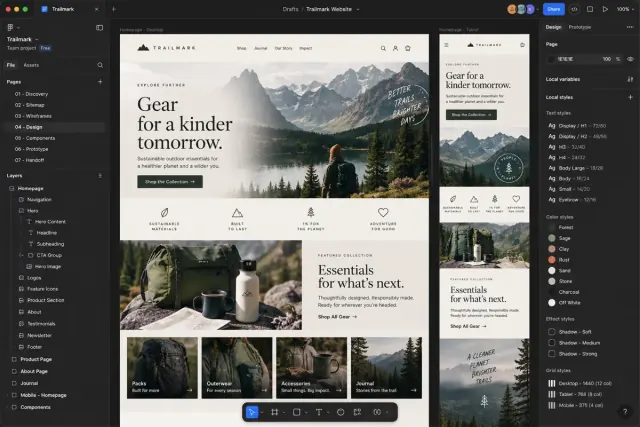
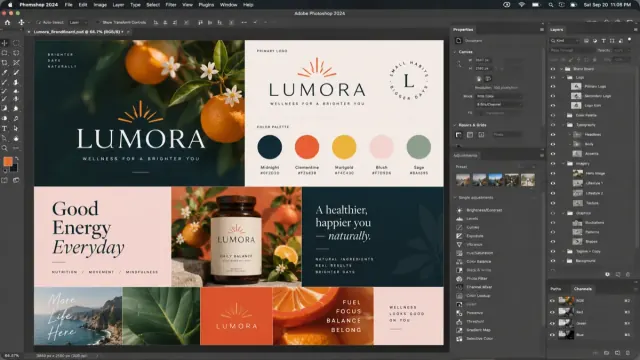
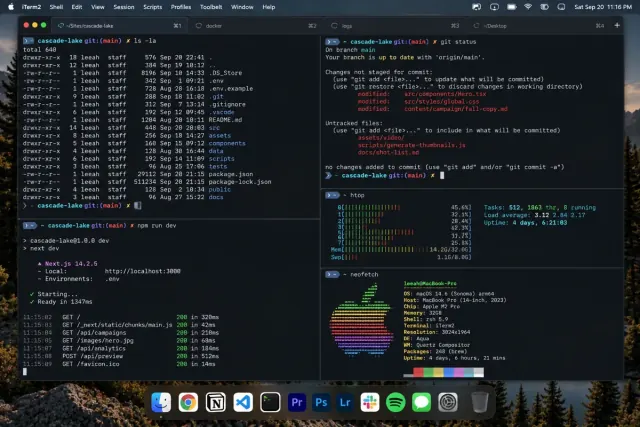
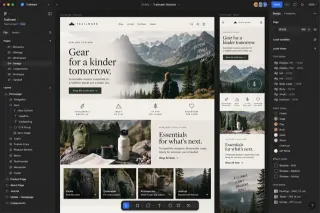
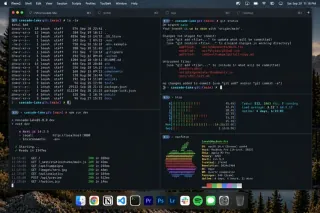
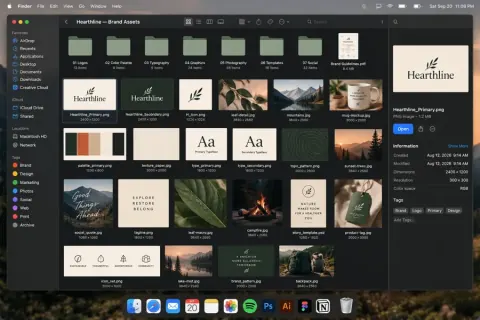
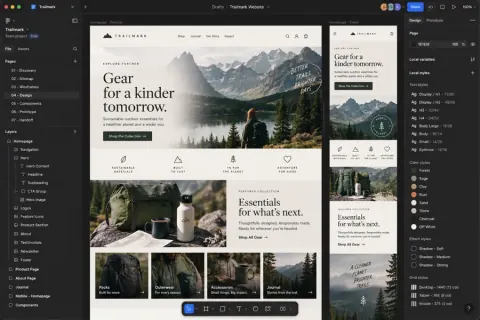
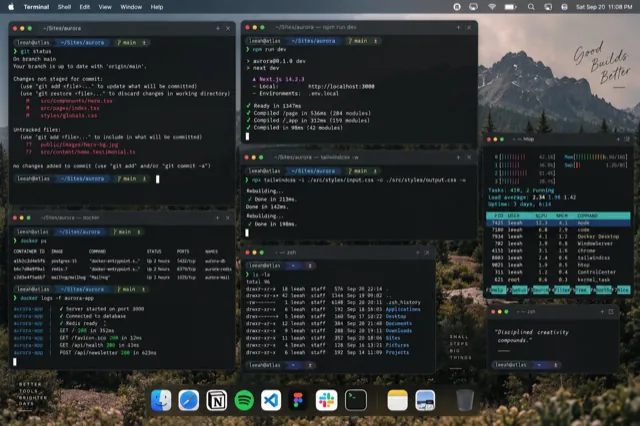
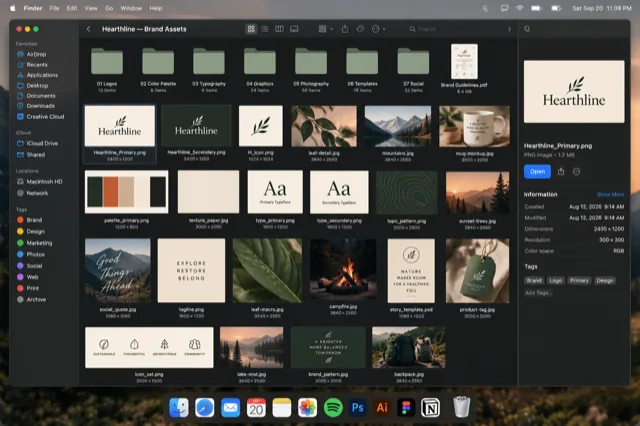
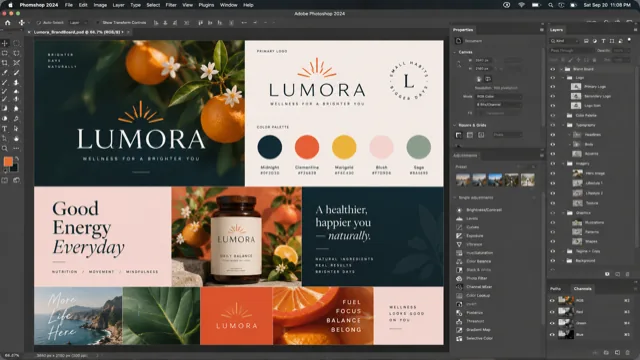
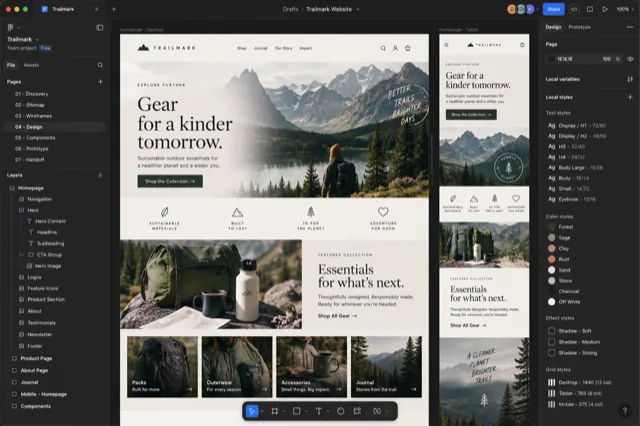
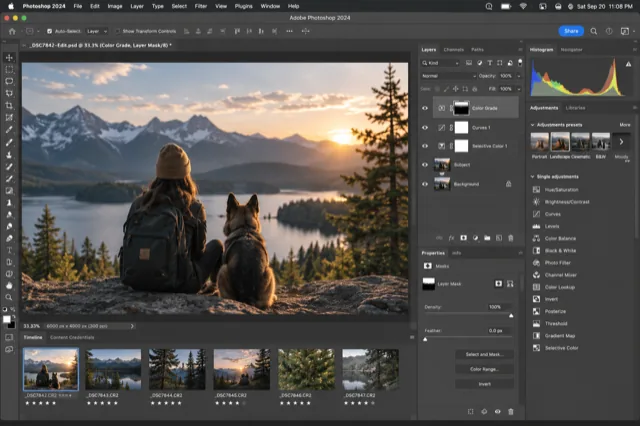
Browsers: Safari, Chrome, Edge, Brave, Vivaldi, Opera, and Arc get the full experience with URLs, domains, and tab counts; Firefox shows previews and titles. Creative: Photoshop, Illustrator, InDesign, and Acrobat, with every document as its own card, tabs included. Video: Final Cut Pro, Premiere Pro, DaVinci Resolve, and After Effects, one card per window with a live preview. Plus Terminal, Finder (with folder paths), and iWork. Every app has its own toggle in Settings, and the list keeps growing. Details for Safari, Chrome and the Adobe suite.
Are workgroups the same as macOS Spaces?
No. A workgroup is a named set of windows that belong to one piece of work, and Canopy shows, raises, and reopens them as a unit. It never moves or creates macOS Spaces. It can notice which windows share a Space, but only to suggest a group, and nothing is saved unless you say yes. More on workgroups as a workspace.
How is this different from AltTab or Contexts?
AltTab and Contexts are excellent general switchers that show every window of every app. Canopy goes deeper on the pro apps you live in: page URLs, folder paths, Safari profiles, and Adobe documents generic switchers can't even see as separate windows. They coexist happily. Canopy doesn't touch ⌘Tab. Side by side: Canopy and AltTab, Canopy and Contexts, and what plain ⌘Tab and Mission Control leave out. Or compare all four at once.
Why isn't it on the Mac App Store?
The App Store sandbox forbids the system APIs any real window switcher needs (the same reason AltTab, Contexts, and Bartender are sold directly). Canopy CMD is signed with a Developer ID and notarized by Apple, so it opens with a normal double-click.
Does it slow my apps down?
No. Canopy is idle until you press the shortcut. No background polling, nothing injected into your apps, no content read. Previews refresh when the switcher opens.




 +more
+more
 N
Safari
Work
N
Safari
Work
 F
Chrome
F
Chrome
 P
Photoshop
P
Photoshop
 ~
Terminal
Minimized
~
Terminal
Minimized

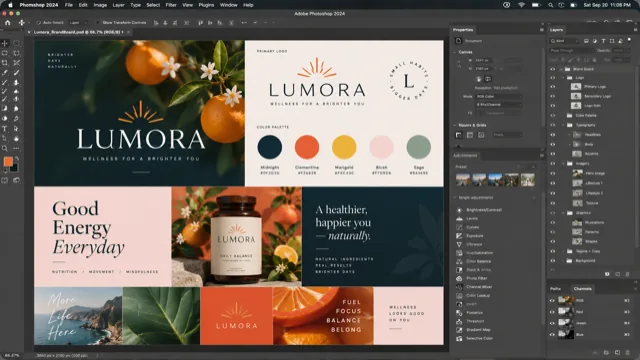
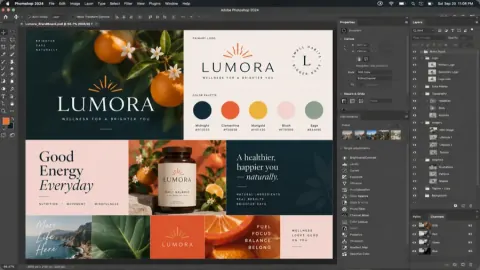 Lumora_BrandBoard.psd


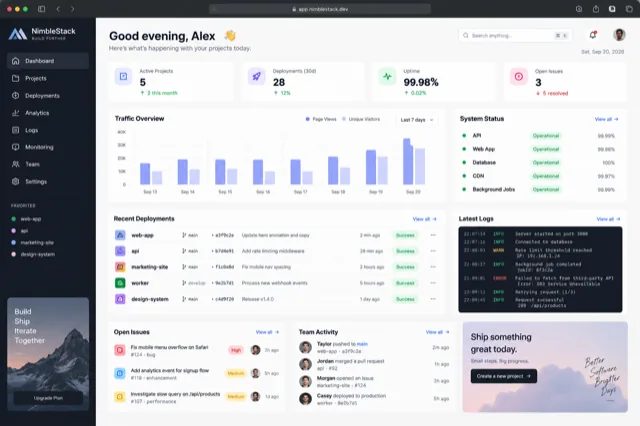
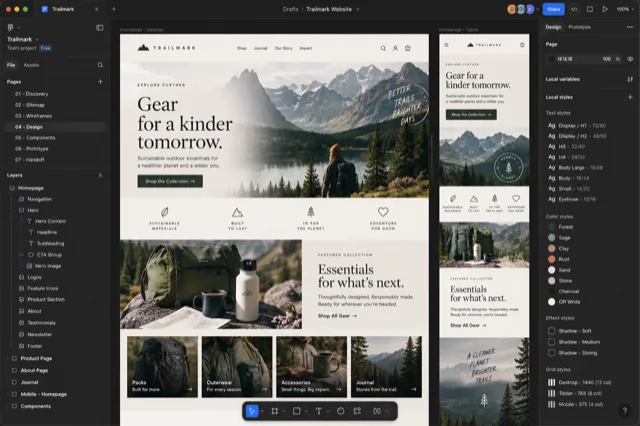
 InDesign
 Figma
Figma
 Cursor
 Xcode
Xcode
 Keynote
 Numbers
 Mail
Mail
 Affinity
 Preview





 Sketch
 TextEdit