
Mission Control shows everything. Canopy shows what you meant.
Mission Control is a map of your screen. Useful when you know roughly where a window is, useless when you have twenty that look the same. Canopy is a directory: grouped, labeled, and searchable.
Free through December 31 while the beta runs. No sign-in required. Launches January 1, 2027.


 Client sitePortfolioTaxes+
 Safari
 Safari
 Photoshop
 Terminal
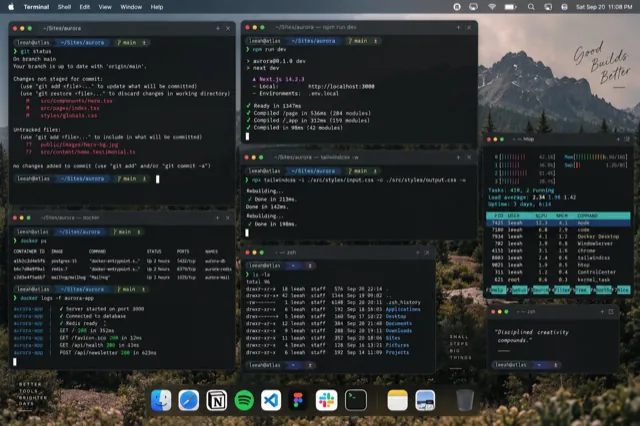
Canopy over a terminal session. Minimized windows stay in the grid, marked, so they're one key away.
Where Mission Control falls short
Mission Control (Apple's Mission Control guide covers the basics) hides minimized windows entirely; they only appear in App Exposé as a small row along the bottom. It can't search. The more windows you have, the smaller every thumbnail gets, until a wall of browser windows becomes a wall of white rectangles. And it's a mouse gesture at heart: you still have to spot the window and go get it.
Side by side
| What matters | Mission Control | Canopy CMD |
|---|---|---|
| Layout | Windows scattered spatially | Grouped by app, in a grid |
| Labels | App name on hover | Page title, file name, folder, profile |
| Minimized windows | Hidden | Shown, dimmed and marked |
| Find by typing | No | Yes |
| Scales to many windows | Thumbnails shrink | Filter the grid by app or by typing |
| Spaces | Manages desktops and Spaces | Never moves or creates Spaces |
| Cost | Built in | One-time purchase, free tier for Safari and Finder |
Keep Mission Control for arranging desktops and Spaces. Canopy leaves that alone on purpose.
Use Canopy for the hundred times a day you need one specific window and want to recognize it rather than hunt for it.
How Canopy does it
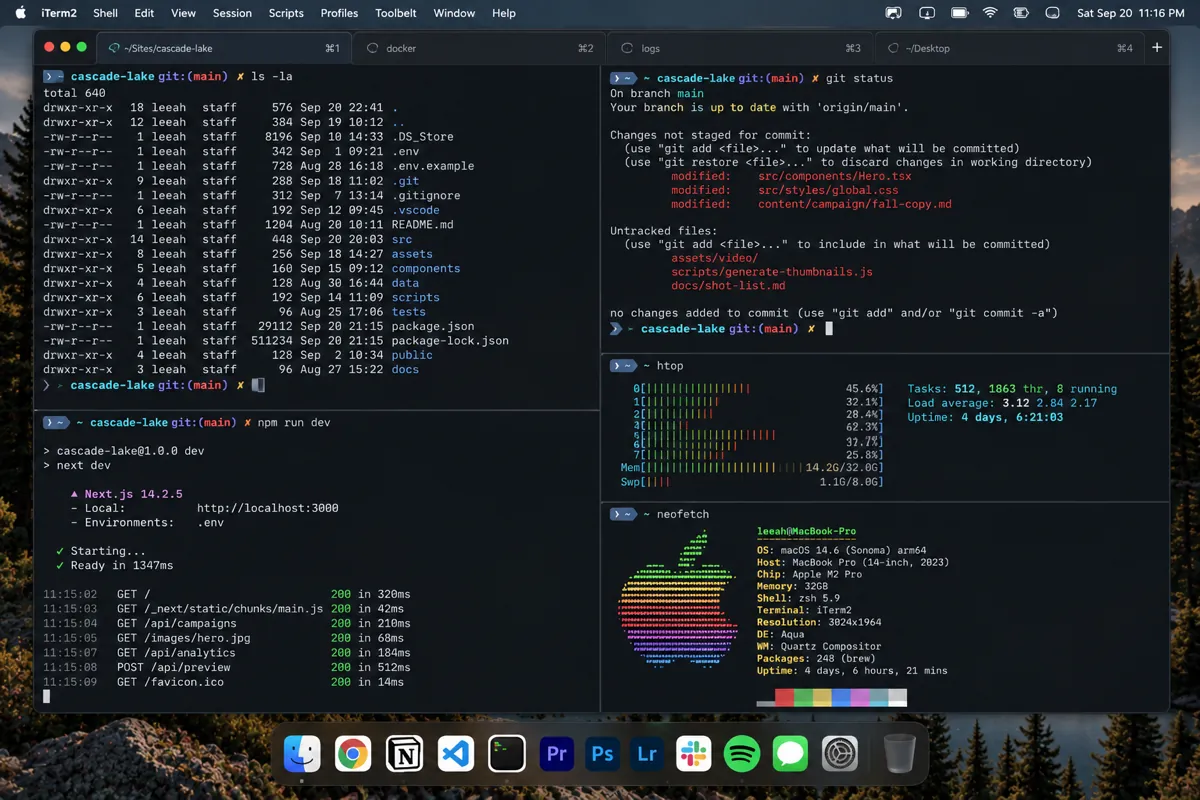
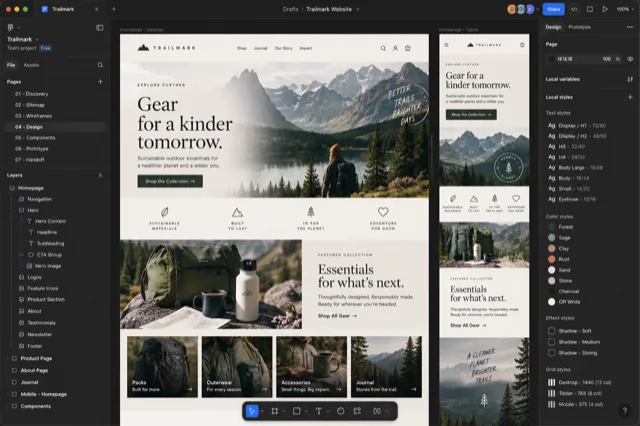
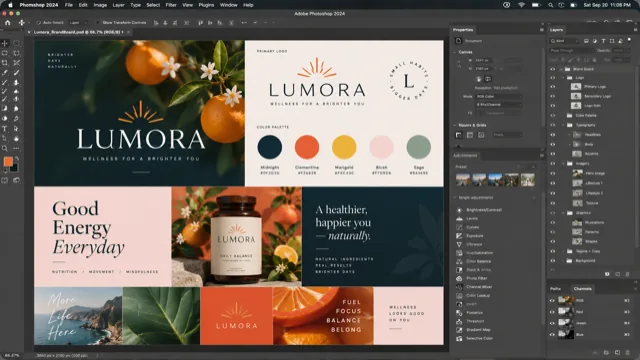
Hold ⌥ Tab anywhere on your Mac, or ⌘ ` inside Safari. Canopy opens a clearing: every window from the apps in its roster, shown as a real snapshot, grouped by app and labeled with the page title, the file name, or the folder. Keep tapping to move the highlight, or just start typing to filter. Release the key and that window comes forward.
Minimized windows are in the grid too, dimmed and marked, because a window you tucked away is still a window you might need. Adobe documents that live as tabs inside one app window each get their own card. Safari profiles show as colored badges so Work and Personal stay obvious.
Canopy is curated, not universal. It covers the apps creative and technical people live in: Safari, Chrome, Firefox, Arc, the Adobe suite, Figma, Finder, Terminal, VS Code and more, with page-level detail for browsers and per-document cards for Adobe. If you need a switcher for every process on the system, one of the general tools below is the better fit, and we say so.
What it costs
Canopy is a one-time purchase, not a subscription, and the app never stops working. At launch on January 1, 2027 it is $19.99 for one Mac or $29.99 for three, with a year of updates included and an optional renewal after that. There's a free tier that covers Safari and Finder forever. Until then the beta is free, and beta testers can lock in the founding price of $9.99 or $14.99 with lifetime updates. Every purchase plants a tree.
Questions people ask
Does Canopy replace Mission Control?
No. Mission Control keeps managing Spaces and desktops. Canopy is for getting to a window; it never moves or creates Spaces.
Why can't I see minimized windows in Mission Control?
macOS leaves minimized windows out of the Mission Control view. They show only in App Exposé, in a row along the bottom. Canopy shows them in the grid alongside everything else.
Does Canopy show windows on other Spaces?
Canopy lists windows from the apps in its roster and brings the one you choose forward. It doesn't rearrange your Spaces to do it.
Is there a trackpad gesture?
Canopy is keyboard first: hold a key, tap to move, type to filter, release to switch. That's what makes it faster than a gesture and a hunt.
See every window at a glance.
Free while the beta runs. One key shows every window as a live preview.
Download the free beta