
The Canopy blog
6 Mac apps for designers who live across Figma, Photoshop, Finder and the browser
6 Mac apps for designers across Figma and Photoshop, Finder and the browser: faster folders, easier drags, lighter exports, steady fonts and windows.


Why I built Canopy: the window switcher I wanted macOS to have
Why I built Canopy, a visual window switcher for Mac: a designer's screen full of windows, a switcher that only knew apps, and an idea borrowed from trees.
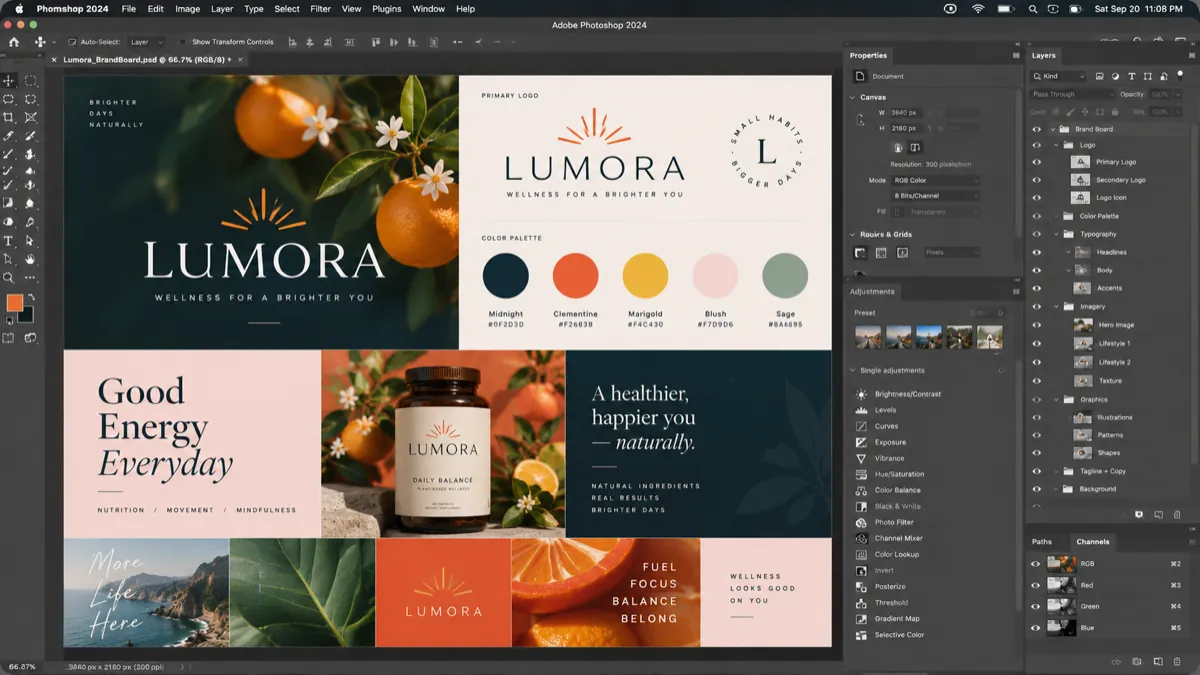


 HearthlineLumora+
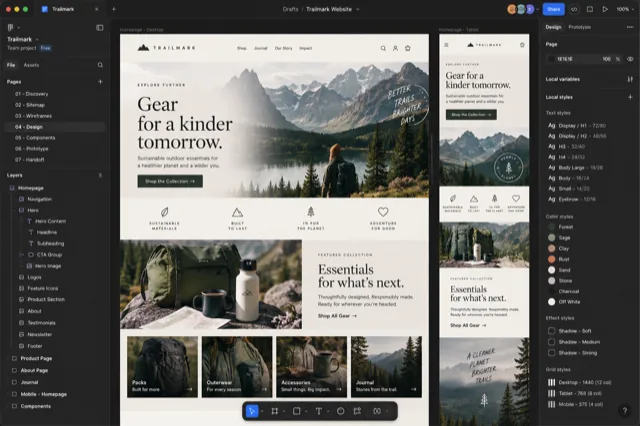 Safari
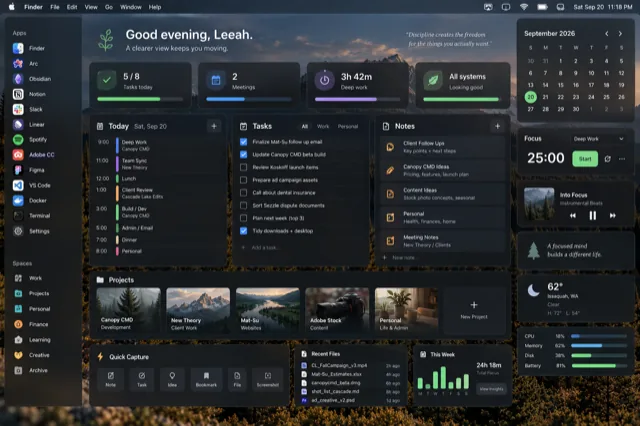 Safari
 Photoshop
 Finder
Every macOS window shortcut, ranked
Every built-in Mac keyboard shortcut for switching, hiding, tiling and finding windows, ranked by how much time each saves, plus bonus tricks people miss.


 OpsWeekly+
 iTerm
iTerm Safari
 TerminalMinimized
 Finder
Cmd+Tab was built for apps. We work in windows.
Cmd+Tab was built for apps, but your work lives in windows. Why that gap slows you down, the built-in Mac tricks that help, and how to close it for good.

Get the launch email.
One email the day Canopy launches, with launch-week pricing. Nothing else.
Compare Canopy
How it stacks up against AltTab, Contexts, Cmd-Tab and Mission Control, honestly.
See the comparisons →
Canopy stories
2 posts Why I built Canopy.
Why I built Canopy: the window switcher I wanted macOS to have
Why I built Canopy, a visual window switcher for Mac: a designer's screen full of windows, a switcher that only knew apps, and an idea borrowed from trees.
⌘Tab was built for apps.Cmd+Tab was built for apps. We work in windows.
Cmd+Tab was built for apps, but your work lives in windows. Why that gap slows you down, the built-in Mac tricks that help, and how to close it for good.
Focus and attention
3 posts Leave yourself a trail.
Why visual cues make interrupted work easier to resume
Visual cues help you resume interrupted work faster, but only the right kind. What memory research says about cues, and how to build louder ones on your Mac.
 Finding the thread again.
The hidden cost of getting back to what you were doing
Getting back on task after an interruption often costs more than the interruption itself. What one field study found, and easy ways to shorten the trip back.
 It was here all along.
Your work is already open. Why is it so hard to find?
Can't find open windows on your Mac when everything's right there? Why open work gets buried, plus friendly fixes to make it easy to spot again.
 Zoom out, or step in?
Mission Control vs. Cmd+Tab vs. Canopy: three different ways to navigate a Mac
Mission Control vs. Cmd+Tab vs. Canopy: what each one shows, the hidden tricks in each, where each falls short, and which to reach for when you need a window.
 Seven windows, one glance.
Too many Safari windows? Here's a better way to switch between them
Too many Safari windows open on your Mac? Why they all look alike, the built-in fixes and their catches, and a friendlier way to switch to the one you need.
 Every shortcut, ranked.
Every macOS window shortcut, ranked
Every built-in Mac keyboard shortcut for switching, hiding, tiling and finding windows, ranked by how much time each saves, plus bonus tricks people miss.
 Stop minimizing.
What changes when you stop minimizing windows
Minimizing hides windows from Cmd-Tab and Mission Control. What to do instead, the settings that help, and a one-week experiment to break the habit.
 Work and personal, apart.
Setting up Safari profiles for work and personal
How to set up Safari profiles on a Mac so work and personal browsing stay separate: logins, history, extensions and favorites, each with its own color.
Where the details live.6 Mac apps for designers who live across Figma, Photoshop, Finder and the browser
6 Mac apps for designers across Figma and Photoshop, Finder and the browser: faster folders, easier drags, lighter exports, steady fonts and windows.
 Less clutter, nothing closed.
7 Mac apps that reduce digital clutter without making you close everything
7 Mac apps that reduce digital clutter without making you close anything: find any window, arrange them, dim the rest and carry files between them.
 More than one way through.
The best Cmd+Tab alternatives for Mac
The best Cmd+Tab alternatives for Mac, compared fairly: AltTab, DockDoor, Contexts, Witch, rcmd and Canopy, plus built-in tricks worth trying first.
 One step, then the next.
5 Mac apps for ADHD-friendly creative workflows
5 Mac apps for ADHD-friendly creative workflows: catch ideas fast, shrink the first step, see time pass, find a body double and skip the long setup.
 Think with your eyes.
The best Mac apps for visual thinkers
The best Mac apps for visual thinkers: open canvases, mind maps, research boards and mood boards, with a tip for each and an easy way to pick yours.
Workflows
1 post
No posts match that search. Try another word, or browse the guides.
See every window at a glance.
Free while the beta runs. One key shows every window as a live preview.
Download the free beta