
I design websites for a living, which means my screen is never just one thing. It's a design file, three browser windows of references, a client's staging site, a folder of assets and a thread of feedback, all open at once and all important! This is the story of how that lovely mess turned into Canopy.


 HearthlineLumora+
 Safari
 Safari
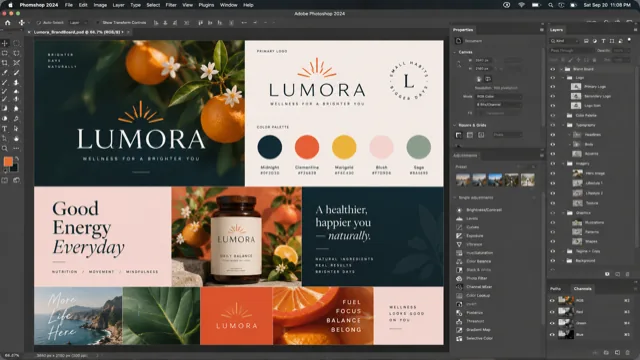 Photoshop
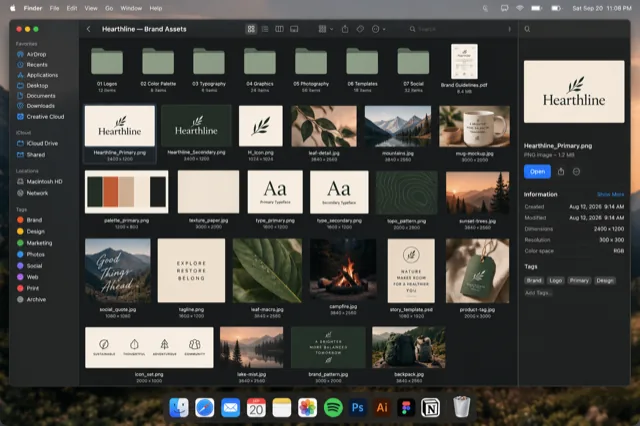 Finder
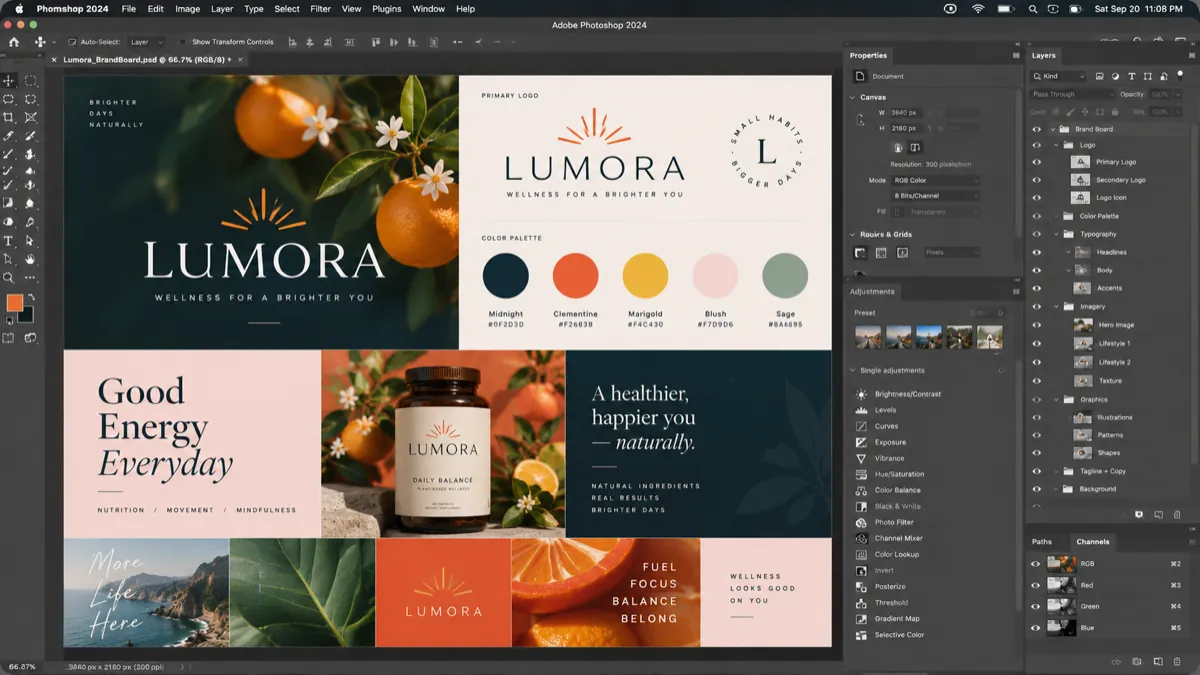
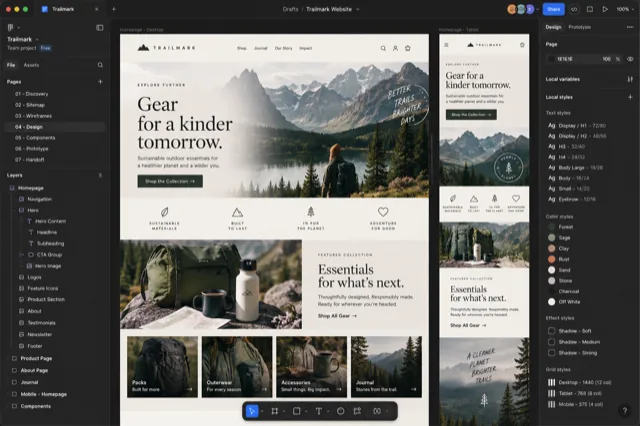
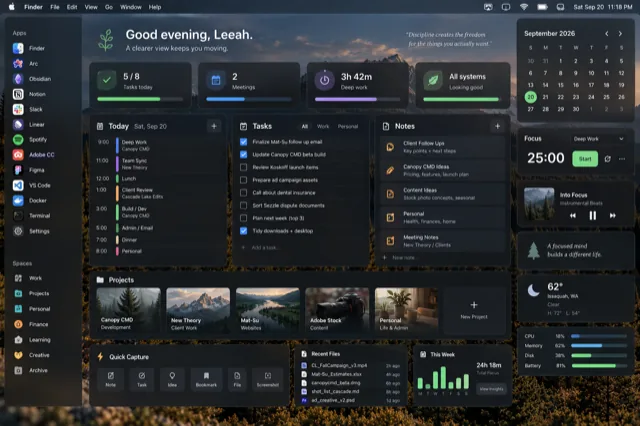
Where it all started: every Safari window as a picture, with the rest of the project one key away.
My screen is never just one thing
Hi, I'm Leeah! I'm a designer, and I run the web studio Meraki & Co. Canopy is a KindridStudio project, and it's the tool I wanted for my own Mac.
If you've ever looked at your screen and counted the windows, you know the feeling. Mine usually holds a design file, a few browser windows full of references, the client's staging site, a folder of assets, and the feedback thread that ties it all together. None of them are extras. Every one of them is part of the job.
That's what designing websites looks like, and it's what a lot of work looks like now. Writers, developers, marketers, editors: so many of us spread one piece of work across a handful of windows in a handful of apps. The work doesn't live in one place. It lives across all of them.
The moment it stopped working
For years I did what everyone does. I pressed ⌘ Tab, landed on the right app, and then went looking for the right window inside it. Safari was one icon. Photoshop was one icon. The window I actually needed was somewhere behind them, and finding it meant tapping, squinting, clicking and, too often, forgetting what I'd gone there to do.
That last part is the one that bothered me. The cost was never the two seconds of hunting. It was the thread I lost while hunting. You go to grab a hex code from the brand guide, you land on the wrong window, you see an email, and ten minutes later the design is still waiting for its color.
Sound familiar? That tiny detour is the whole reason Canopy exists.
What I wanted (and what I definitely didn't)
Here's the funny part: the fix I wanted was smaller than most of the tools out there. I didn't want a tool that rearranged my desktop. I didn't want saved layouts, snapping grids or a new way to organize Spaces. The windows weren't the problem. Getting to them was.
What I wanted was something smaller and more human: hold a key, see every window, pick the one I meant, and get back to work. One step instead of three. No digging.
Here's how that little wish list turned into real features:
| What I wanted | What Canopy does |
|---|---|
| See every window, not just every app | Hold ⌥ Tab from anywhere and every window from the apps in its roster appears as a live preview, grouped by app |
| Know what's in a window at a glance | Each card is labeled with its page title and URL, its file name, or its folder |
| Skip the tapping when I know what I want | Type a few letters to filter by title, URL, file name, folder or Safari profile |
| Leave ⌘ Tab untouched | Canopy doesn't replace or change ⌘ Tab; it sits right beside it |
| Leave my desktop alone | Canopy never moves or resizes a window, and never creates or switches Spaces |
Seeing beats remembering
Seeing is the whole idea. A list of titles asks you to remember. A picture lets you recognize. Recognition is fast and it's quiet; it doesn't pull you out of what you were doing.
Think about finding a favorite book on your own shelf. You don't recite the title in your head first. You glance, you spot the spine, you grab it. That's what I wanted for windows: a glance, a spot, a grab.
That principle ended up as the headline on our homepage, and it shaped every decision after it. Live previews, so you can spot a window by how it looks. Labels, so two similar windows are easy to tell apart. Most recently used first, like ⌘ Tab, so the window you were just in is close at hand. And minimized windows shown too, dimmed and marked, because a window you can't see is a window you have to remember.
Why it's called Canopy
In some forests, neighboring trees grow almost together but never touch. Thin channels of sky separate each crown, so every tree stays distinct. Botanists call it crown shyness, and if you've never seen a photo of it, go look. Really!
That felt like exactly what my windows needed: room to be seen, side by side, without collapsing into one icon. Each window gets its own little patch of sky. Your design file stays your design file, your references stay your references, and nothing blurs into anything else.
And an app named after a forest canopy should help real forests. One dollar from every sale goes to One Tree Planted. It's built into the price, not an add-on, and it's one of my favorite parts of this whole thing.
How it grew, one branch at a time
Canopy started with Safari, because that's where most of my windows pile up, and the first version did one thing: show every Safari window as a snapshot with its page title and address. One app, one job.
Then it needed Finder. Then Chrome and Firefox for testing. Then Photoshop, Illustrator and InDesign, which hide every open document as a tab inside one window, so Canopy learned to give each document its own card. (Acrobat gets the same treatment today.) Terminal and VS Code followed for the development side of my work, and video editors joined the roster after that.
Today the roster covers the major browsers, the Adobe apps, Figma, Sketch, Affinity, Terminal, iTerm2, VS Code, Xcode, Cursor, Finder, Final Cut Pro, Premiere Pro, DaVinci Resolve, After Effects, Word, Excel, PowerPoint, Mail, Preview, Pages, Numbers, Keynote, Obsidian and TextEdit. It's curated rather than every app on your Mac, and it keeps growing.
Workgroups came last, and they came from the same frustration one level up. It wasn't just finding a window; it was getting a whole project back after lunch, or after a call, or the next morning. So Canopy learned to remember which windows belong together and bring them forward as a set, without ever moving them around. Close one of them? It stays in the group marked Restore, ready to reopen.
Three things I decided not to do
- No tracking. Canopy has no analytics and no telemetry, and it never reads what's in your windows. The snapshots for previews are taken on your Mac and never leave it. On its own, it only talks to the internet to check your license and look for updates, and if it ever crashes, it asks before sending a report.
- No subscription. You pay once and the app is yours. A year of updates is included, you can renew after that if you like, and the app never stops working. Beta testers who buy at the founding price before launch get updates for life.
- No rearranging. Canopy never moves a window, resizes one, or creates a Space. Your desktop is yours.
These aren't fine print to me. They're the promises I'd want from any tool that sits this close to my work, so they're the promises Canopy makes to you.
Come try it with me
If your screen looks like mine, I made Canopy for you. The beta is free through December 31, 2026, and Canopy 1.0 launches on January 1, 2027. I read every piece of feedback that comes in, so please tell me what you love and what you'd change.
Here's a tiny plan for your first five minutes:
- Hold ⌥ Tab. Every window from the apps in Canopy's roster appears as a live preview, grouped by app.
- Tap to move. Tap Tab to step through the cards.
- Type to filter. A few letters of a page title, file name or folder narrow things down fast.
- Release to switch. Let go and you're there.
- Try it in Safari. Inside Safari, ⌘ ` opens the switcher too, and Safari profiles show up as colored badges.
Quick answers
Does Canopy replace Cmd-Tab?
Nope! Canopy lives on ⌥ Tab and doesn't replace or change ⌘ Tab. Use each one whenever it fits.
Which Macs does it run on?
Canopy runs on macOS 14 Sonoma or later, on both Apple Silicon and Intel Macs. It's built natively for macOS, in Swift.
Why isn't it on the Mac App Store?
App Store apps run inside Apple's sandbox, and the sandbox forbids the system APIs a window switcher needs. So Canopy is signed with a Developer ID and notarized by Apple instead.
Is there a free version?
Yes. The free tier covers Safari and Finder, forever. There's also a 14-day full trial, and paid licenses are a one-time purchase, not a subscription.