
A Contexts alternative you can see.
Contexts made window switching fast with a searchable list. Canopy keeps the search and adds the picture, because a thumbnail tells you which Homepage Redesign window is the one with the feedback in it, and a title never will.
Free through December 31 while the beta runs. No sign-in required. Launches January 1, 2027.


 Q4 campaignClient+
 Chrome
 SafariClient
 SafariWork
 TerminalMinimized
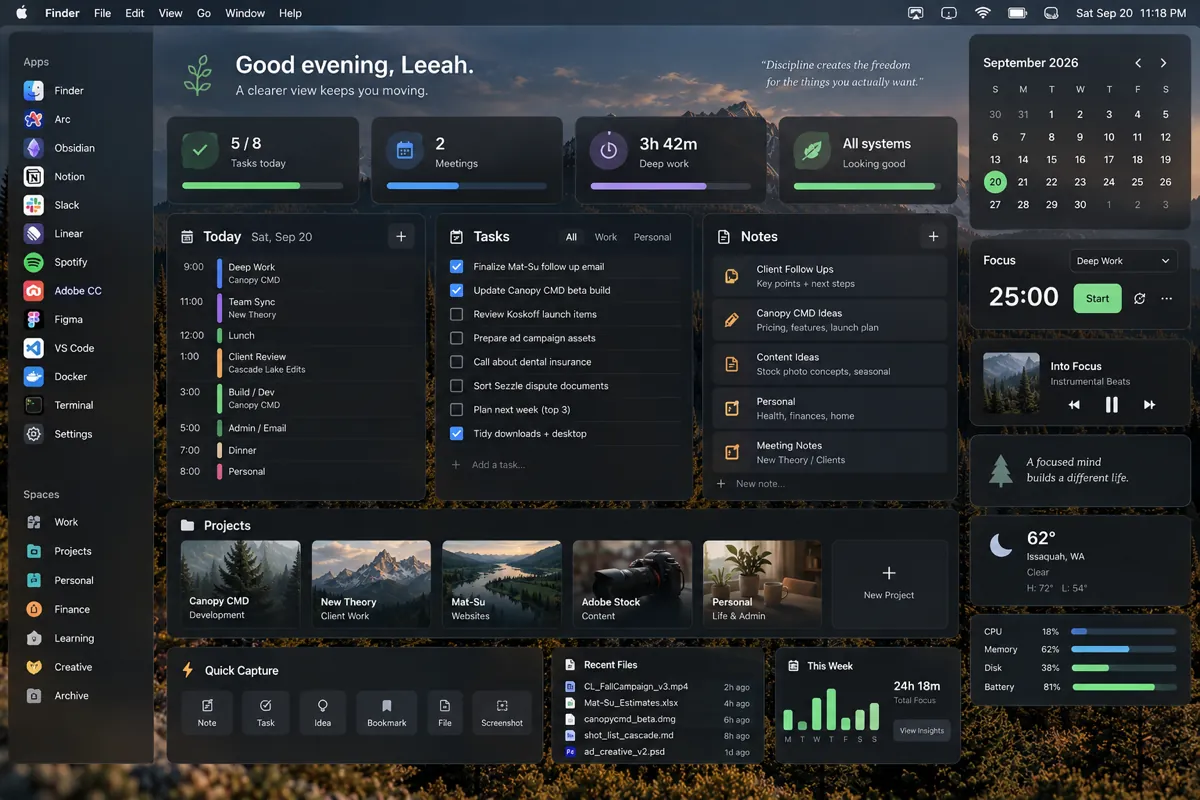
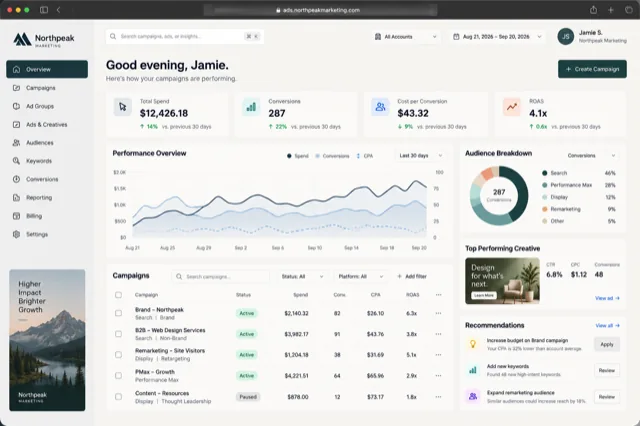
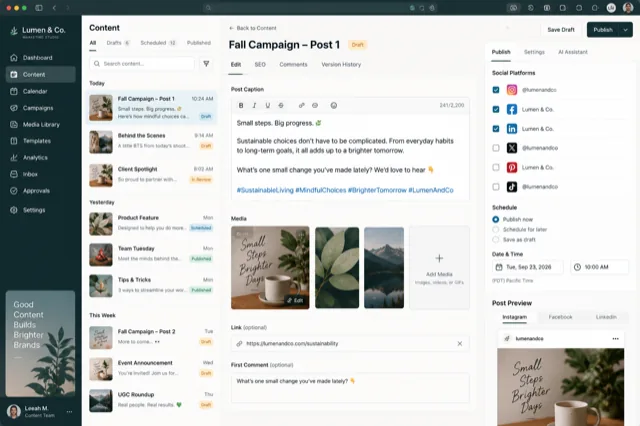
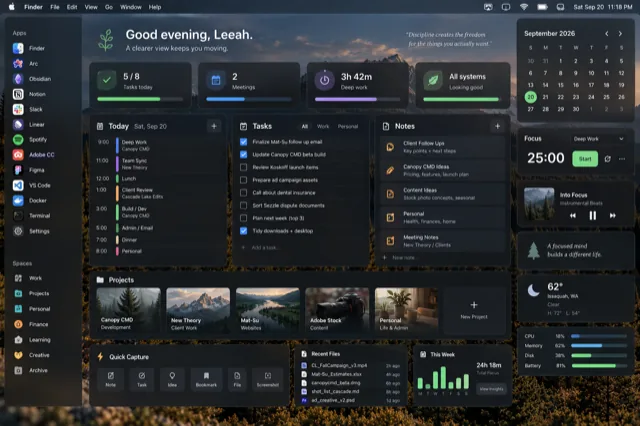
Canopy over a dashboard window. Each card is a real snapshot of the window, with the app and the page it's on.
What Contexts got right
Speed, and search. Contexts taught a lot of Mac users that the fastest way to a window is to type three letters of its name. Canopy keeps that exactly: open the switcher and start typing, and the grid filters by title, URL, file name or Safari profile as you go.
What Canopy adds
| What matters | Contexts | Canopy CMD |
|---|---|---|
| How windows are shown | A text list, one line per window | A grid of live snapshots, grouped by app |
| Find by typing | Yes, fast | Yes, across title, URL, file and profile |
| Minimized windows | In the list | In the grid, dimmed and marked |
| Adobe documents | One entry per app window | One card per open document |
| Safari profiles | No | Colored Work and Personal badges |
| Coverage | Every app | A curated roster with deeper detail per app |
| Workgroups | No | Group the windows of one project; reopen closed members with one key |
| Price | One-time purchase | One-time purchase, free tier for Safari and Finder |
Pick Contexts if you want a universal, keyboard-only list and you never need to see a window to know it's the right one.
Pick Canopy if the windows you juggle look alike in a list: six Chrome windows called "Dashboard", a stack of Photoshop documents, three Finder windows of the same project. Seeing them is what makes the choice instant.
Canopy is curated, not universal. It covers the apps creative and technical people live in: Safari, Chrome, Firefox, Arc, the Adobe suite, Figma, Finder, Terminal, VS Code and more, with page-level detail for browsers and per-document cards for Adobe. If you need a switcher for every process on the system, one of the general tools below is the better fit, and we say so.
How Canopy does it
Hold ⌥ Tab anywhere on your Mac, or ⌘ ` inside Safari. Canopy opens a clearing: every window from the apps in its roster, shown as a real snapshot, grouped by app and labeled with the page title, the file name, or the folder. Keep tapping to move the highlight, or just start typing to filter. Release the key and that window comes forward.
Minimized windows are in the grid too, dimmed and marked, because a window you tucked away is still a window you might need. Adobe documents that live as tabs inside one app window each get their own card. Safari profiles show as colored badges so Work and Personal stay obvious.
What it costs
Canopy is a one-time purchase, not a subscription, and the app never stops working. At launch on January 1, 2027 it is $19.99 for one Mac or $29.99 for three, with a year of updates included and an optional renewal after that. There's a free tier that covers Safari and Finder forever. Until then the beta is free, and beta testers can lock in the founding price of $9.99 or $14.99 with lifetime updates. Every purchase plants a tree.
Questions people ask
Is Canopy as fast as Contexts?
The switcher opens in a frame and filters as you type. Snapshots are captured in the background so the grid is ready when you hold the key.
Does Canopy have a sidebar like Contexts?
No. Canopy is a switcher you hold and release, not a panel that stays on screen. Workgroups cover the part of a sidebar people actually used: keeping one project's windows together.
Can I search by URL?
Yes. Typing any part of a URL, a page title, a document name, a folder or a profile name narrows the grid.
Does it need an account?
No sign-in is required. The app runs locally and only contacts our own server to check your license and look for updates.
See every window at a glance.
Free while the beta runs. One key shows every window as a live preview.
Download the free beta