
Every Adobe document, its own card.
Photoshop, Illustrator and InDesign keep open files as tabs inside one window, so Cmd-Tab and Mission Control see one Photoshop, not the six files inside it. Canopy splits them out and shows you each one.
Free through December 31 while the beta runs. No sign-in required. Launches January 1, 2027.
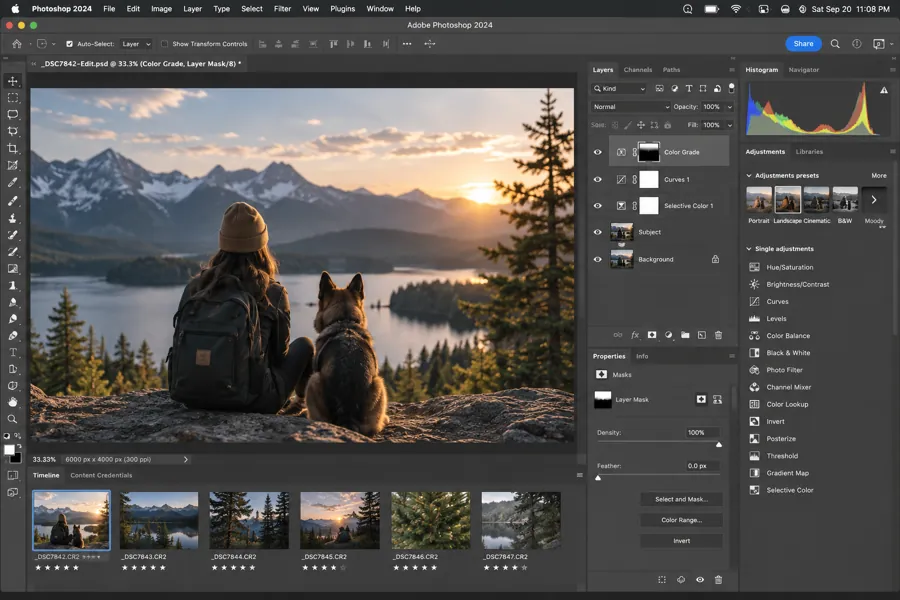


 LumoraClient+
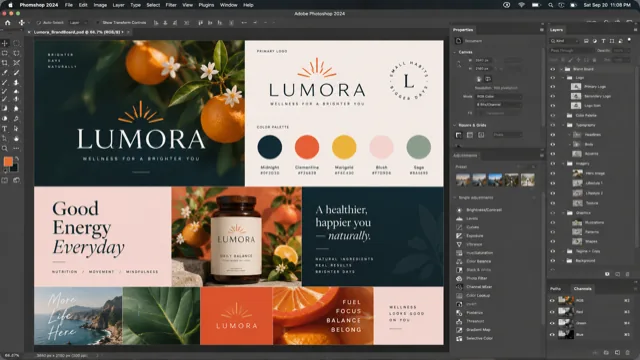 Photoshop
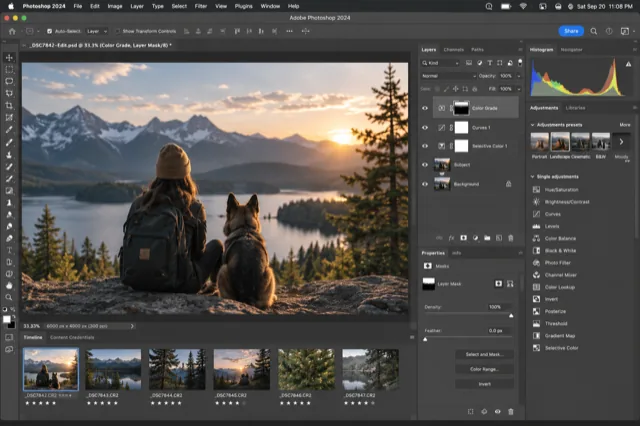 Photoshop
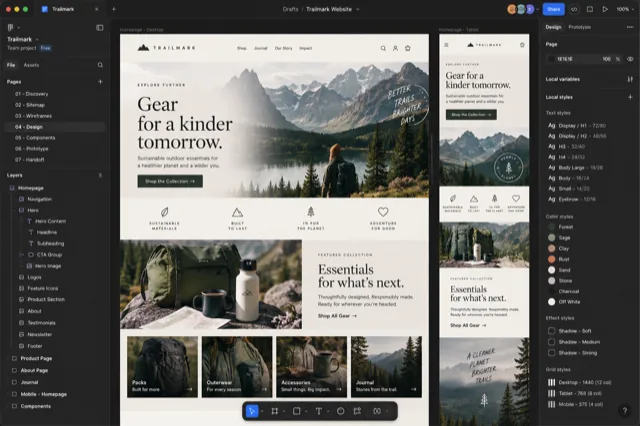 Chrome
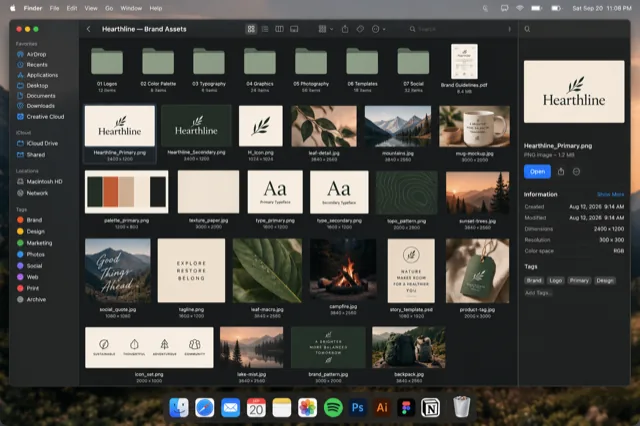 Finder
A Photoshop document. In Canopy each open document is a separate card with its file name, so a brandboard and a photo edit are never confused.
Why Adobe apps are hard to switch in
Since the tabbed document window arrived, every open file lives inside one application window. macOS only knows about that outer window. So ⌘ Tab shows you one Photoshop icon, Mission Control shows one Photoshop rectangle, and the actual document you want is a tab you have to find by eye or cycle to with ⌃ Tab inside the app.
Illustrator and InDesign do the same, with their own in-app shortcuts for cycling documents. None of them show you the document before you land on it.
What Canopy does instead
- Reads the open documents in Photoshop, Illustrator, InDesign and Acrobat and gives each one its own card.
- Labels the card with the file name, so hero-v3.psd and hero-v2.psd are two different things.
- Shows a live preview of the app window so you can see the canvas.
- Filters by typing part of a file name, from any app, without touching the Dock.
Release the key and Canopy brings that app forward and switches to that document.
Figma, Sketch and Affinity are in the roster too. Figma's desktop app opens files as windows, which Canopy shows with the file name; Sketch and Affinity documents get the same per-document treatment as Adobe.
The rest of the design day
Hold ⌥ Tab anywhere on your Mac, or ⌘ ` inside Safari. Canopy opens a clearing: every window from the apps in its roster, shown as a real snapshot, grouped by app and labeled with the page title, the file name, or the folder. Keep tapping to move the highlight, or just start typing to filter. Release the key and that window comes forward.
Minimized windows are in the grid too, dimmed and marked, because a window you tucked away is still a window you might need. Adobe documents that live as tabs inside one app window each get their own card. Safari profiles show as colored badges so Work and Personal stay obvious.
References live in a browser, assets live in Finder, feedback lives somewhere else entirely. Canopy puts the Photoshop document, the brand-assets Finder window and the reference tab in one grid, and workgroups let you name that set so one key brings the whole project forward.
What it costs
Canopy is a one-time purchase, not a subscription, and the app never stops working. At launch on January 1, 2027 it is $19.99 for one Mac or $29.99 for three, with a year of updates included and an optional renewal after that. There's a free tier that covers Safari and Finder forever. Until then the beta is free, and beta testers can lock in the founding price of $9.99 or $14.99 with lifetime updates. Every purchase plants a tree.
Questions people ask
Does Canopy show each Photoshop document separately?
Yes. Every open document in Photoshop, Illustrator, InDesign and Acrobat appears as its own card with its file name, even though they share one app window.
How does it know which documents are open?
Through macOS accessibility, the same channel screen readers use. Canopy never reads the contents of your files.
Does it work with floating document windows?
Yes. Whether documents are tabbed or floating, each one gets a card.
What about Premiere Pro or Lightroom?
Premiere Pro and After Effects are on the roster, alongside Final Cut Pro and DaVinci Resolve, with one card per window. Lightroom isn't on the roster yet. The roster keeps growing, and requests shape what comes next; ask for an app through Send Feedback.
See every window at a glance.
Free while the beta runs. One key shows every window as a live preview.
Download the free beta